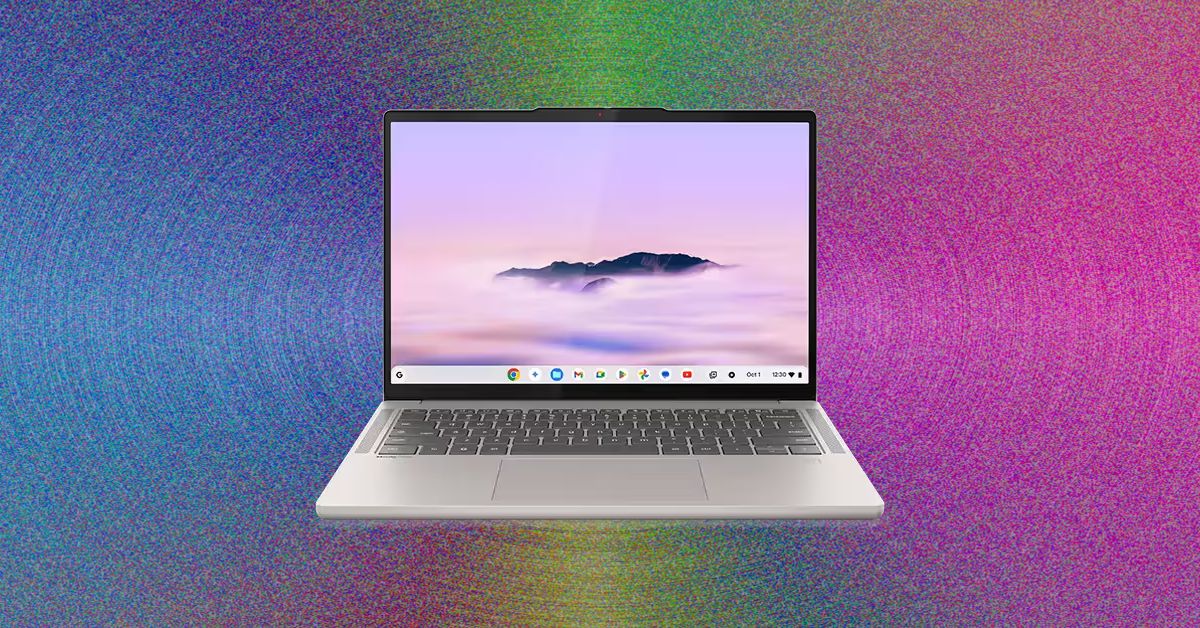
I was delighted to see that the Acer Chromebook Plus 516 didn’t skimp on a crappy touchpad. That goes a long way toward improving the experiencing of actually using the laptop on a moment-by-moment basis. I wasn’t annoyed every time I had to click-and-drag or select a bit of text. This one’s biggest weakness is definitely the screen, which is true of just about every cheap Chromebook I’ve tested. The colors are ugly and desaturated, giving the whole thing a sickly green tint. It’s also not the sharpest in the world, as it’s stretching 1920 x 1200 pixels across a large, 16-inch screen. But in terms of usability and performance, the Acer Chromebook Plus 516 is a great value, combining an Intel Core i3 processor with 8 GB of RAM and a 128 GB of storage. For a Chromebook that’s often on sale for $350, it’s a steal.
While we’re here, let’s go even cheaper, shall we? Asus has two dirt-cheap Chromebooks that I tested last year that I was mildly impressed by. The Asus Chromebook CX14 and CX15. Notice in the name that these are not “Chromebook Plus” models, meaning they can be configured with less RAM and storage, and even use lower-powered processors. That’s exactly what you get on the cheaper configurations of the CX14 and CX15, which is how you sometimes get prices down to as low as $130. I definitely recommend the version with 8 GB of RAM, but regardless of which you choose, the both the CX14 and larger CX15 are mildly attractive laptops. You’d know that’s a big compliment if you’ve seen just how ugly Chromebooks of this price have been in the past.
With these, though, I appreciate the relatively thin bezels and chassis thickness, as well as the larger touchpad and comfortable keyboard. The CX15 even comes in a striking blue color. The touchpad isn’t great, nor is the display. Like the Acer Chromebook Plus 516, it suffers from poor color reproduction and only goes up to 250 nits of brightness. It only has a 720p webcam too, which makes video calls a bit rough. But that’s going to be true of nearly all the competition (and there isn’t much).
Of the two models, I definitely prefer the CX14 though, as it doesn’t have a numberpad and off-center touchpad, which I’ve always found to be awkward to use. Look—no one’s going to love using a computer that costs the less than $200, but if it’s what you can afford, the Asus Chromebook CX14 will at least get you by without too much frustration.
Whatever you do, don’t just head over to Amazon and buy whatever ancient Chromebook is selling for $100 for your kid. It’s worth the extra cash to get something with better battery life, a more modern look, and decent performance.
Other Good Chromebooks We’ve Tested
We’ve tested dozens and dozens of Chromebooks over the past years, having reviewed every major release across the spectrum of price. Unlike Macs and Windows laptops, Chromebooks tends to stick around a bit longer though, and aren’t refreshed as often. I stand by my picks above, but here are a few standouts from our testing that are still worth buying for the right person.

Photograph: Daniel Thorp-Lancaster